



India
oi-Madhuri Adnal

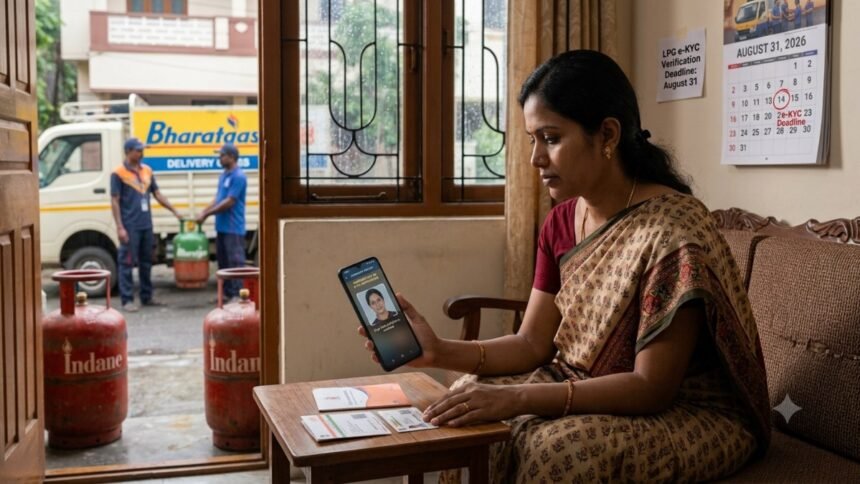
The deadline for LPG consumers to complete e-KYC verification has been extended again to August 31 giving Indane, Bharat Gas and HP Gas customers more time to complete the verification.
The extension comes after consumers faced difficulties completing the e-KYC process. The verification is required for eligible LPG consumers and could affect LPG cylinder booking and delivery if the process remains incomplete.
The deadline for Indane, Bharat Gas, and HP Gas customers to complete LPG e-KYC verification is extended to August 31, 2026, to ensure continued booking at domestic rates and avoid cylinders being sold at higher commercial prices.
The new deadline for LPG e-KYC is August 31, 2026. The deadline was previously extended from August 16 to August 23. The latest extension gives consumers another week to complete the process.

Indian Oil has made it clear that customers who do not complete e-KYC by the deadline may not be able to book LPG cylinders at domestic rates until their verification is completed.
This does not mean the LPG connection will be cancelled. Instead, the subsidy or domestic-rate benefit may remain unavailable until e-KYC is done. In the meantime, customers could have to buy cylinders at commercial rates, which are significantly more expensive.
What Happens If LPG e-KYC Is Not Completed?
Consumers with pending e-KYC could face difficulties with LPG booking and refill services until the verification is completed. Reports have indicated that cylinder bookings may be temporarily suspended for customers whose verification remains pending.
How To Complete LPG e-KYC
Indane, Bharat Gas and HP Gas consumers can complete e-KYC through their respective official apps or by visiting their LPG distributor.
Indane customers can use the IndianOil ONE app, Bharat Gas customers can use the Hello BPCL app, while HP Gas customers can use the HP Pay app.
Consumers who have already completed their e-KYC do not need to repeat the process.
How To Complete Indane e-KYC
Indane customers can complete the e-KYC process from home using the IndianOil ONE app and the Aadhaar FaceRD app.
Register on the IndianOil ONE app using the mobile number and email linked to your LPG account.
Enter your 16-digit LPG ID, which can be found on your cash memo or subscription voucher.
Once your consumer details appear, go to My Profile and select the re-KYC option.
Read and accept the required instructions and consent forms.
Choose face authentication and complete the Aadhaar verification through the FaceRD app.
Customers can also complete the process by visiting their local Indane distributor. Alternatively, they can ask the delivery person to help with e-KYC when their next cylinder is delivered.
How To Complete Bharat Gas e-KYC
Bharat Gas customers can complete e-KYC through the Hello BPCL app.
Register on the app if you have not already done so.
Select the e-KYC option on the home screen.
Verify your registered mobile number using the OTP.
Accept the required terms and conditions.
Follow the instructions to complete the authentication process.
How To Complete HP Gas e-KYC
HP Gas customers can complete e-KYC through the HP Pay app, with Aadhaar face authentication carried out through the Aadhaar FaceRD app.
Register on HP Pay using the mobile number linked to your LPG account.
Verify your mobile number through OTP and set an MPIN.
Go to My HP, select LPG and then choose e-KYC.
Give the required consent and select Capture Face.
The Aadhaar FaceRD app will open automatically and guide you through the face authentication process.